For shoppers
How shoppers buy online
What your customers see — so your staff can answer questions at the counter and on the phone.
Browsing
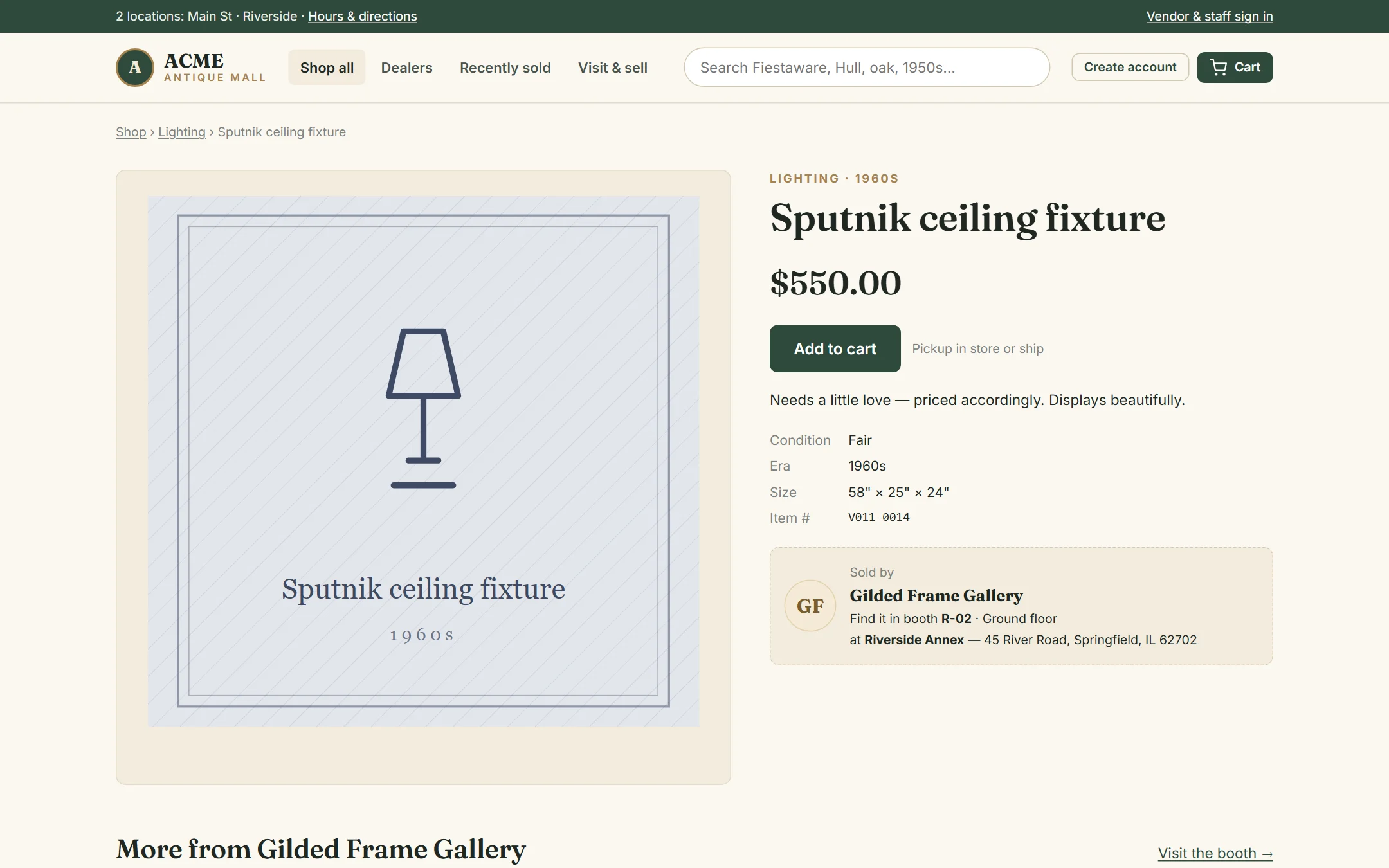
Shoppers search the whole mall at once, browse by category or price, filter for things that can be shipped, or visit one dealer’s page. Every item page says which booth it’s in, so people can also use the website to find something in person.
The Recently sold page shows what’s gone to a new home. It tells shoppers your stock moves — and that if they see something they like, they shouldn’t wait.
The cart
Items in a cart are not held. Antiques are one of a kind, and someone in the store can buy a piece while it sits in an online cart. If that happens, the shopper is told it sold and the item is taken out of their cart — they’re never charged for it.
Checkout
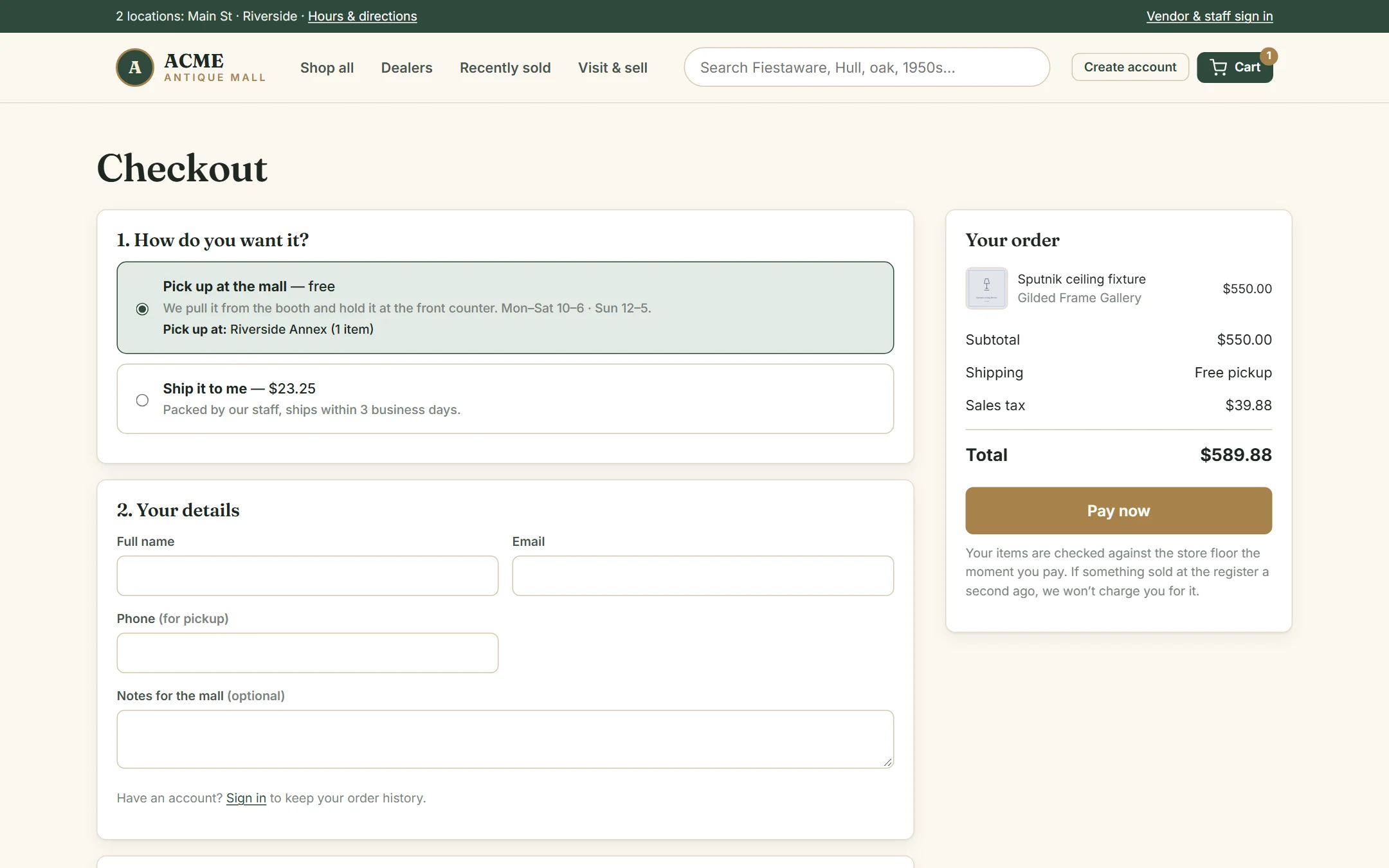
- Pick up at the mall (free) or Ship it to me. Shipping is offered only when every item in the cart can be shipped, and the price is shown before paying.
- Name, email and phone; a shipping address if shipping.
- Card payment. The order is placed the moment the card is approved.
After paying, shoppers see their order number. With an account, their order history and tracking numbers are under My orders.
What happens next
| Pickup orders | Shipped orders |
|---|---|
| Staff pull the items from the booths. When everything is pulled, the order shows Ready for pickup. The shopper comes to the counter. | Staff pull and pack the items, add a tracking number, and mark the order shipped. |